Authentication & User Onboarding
Complete step-by-step guide for account creation, email verification, passcode resets, and initial profile configuration in YOLOvX.
Account Registration
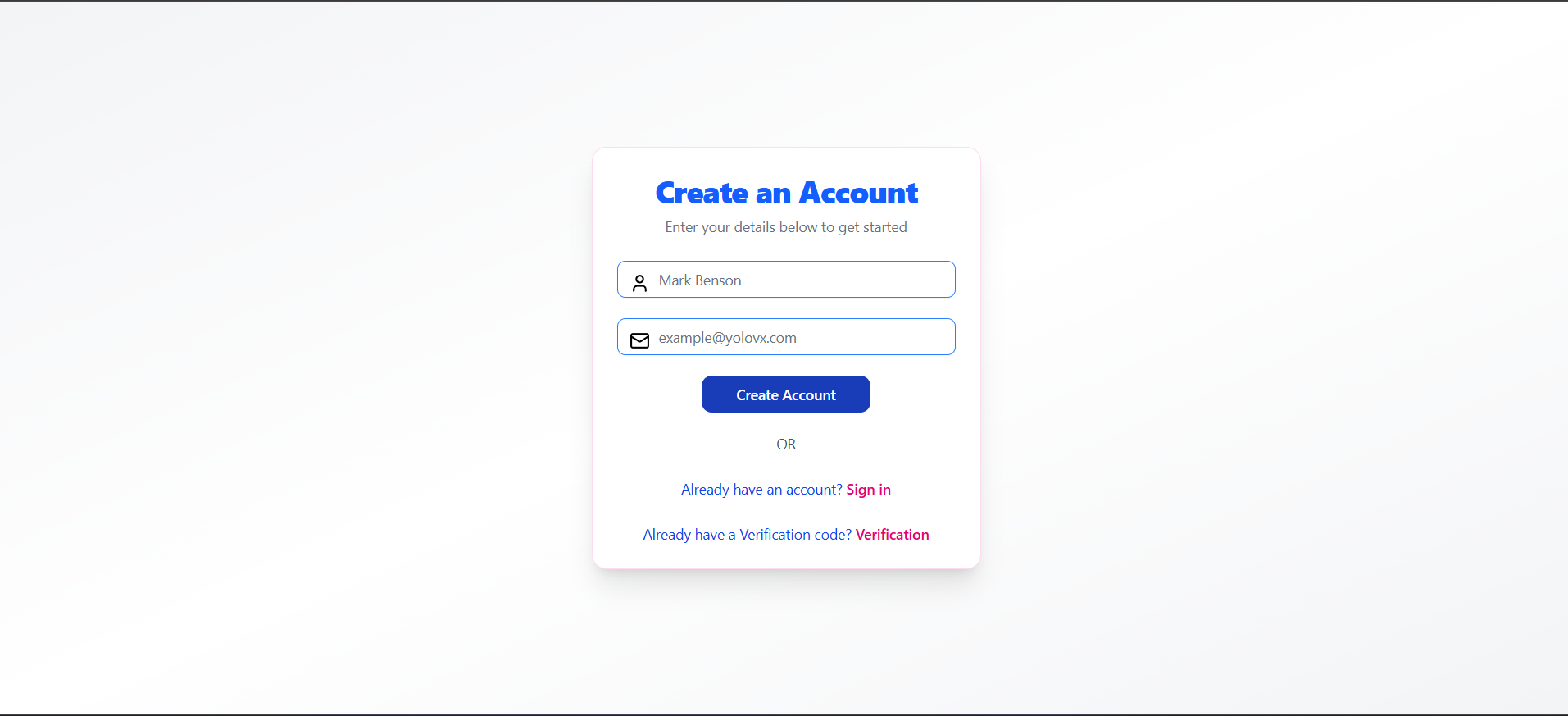
You can register by filling out the registration form with your email address and password. Click Create Account to trigger a verification code sent to your registered email address.
Email Verification
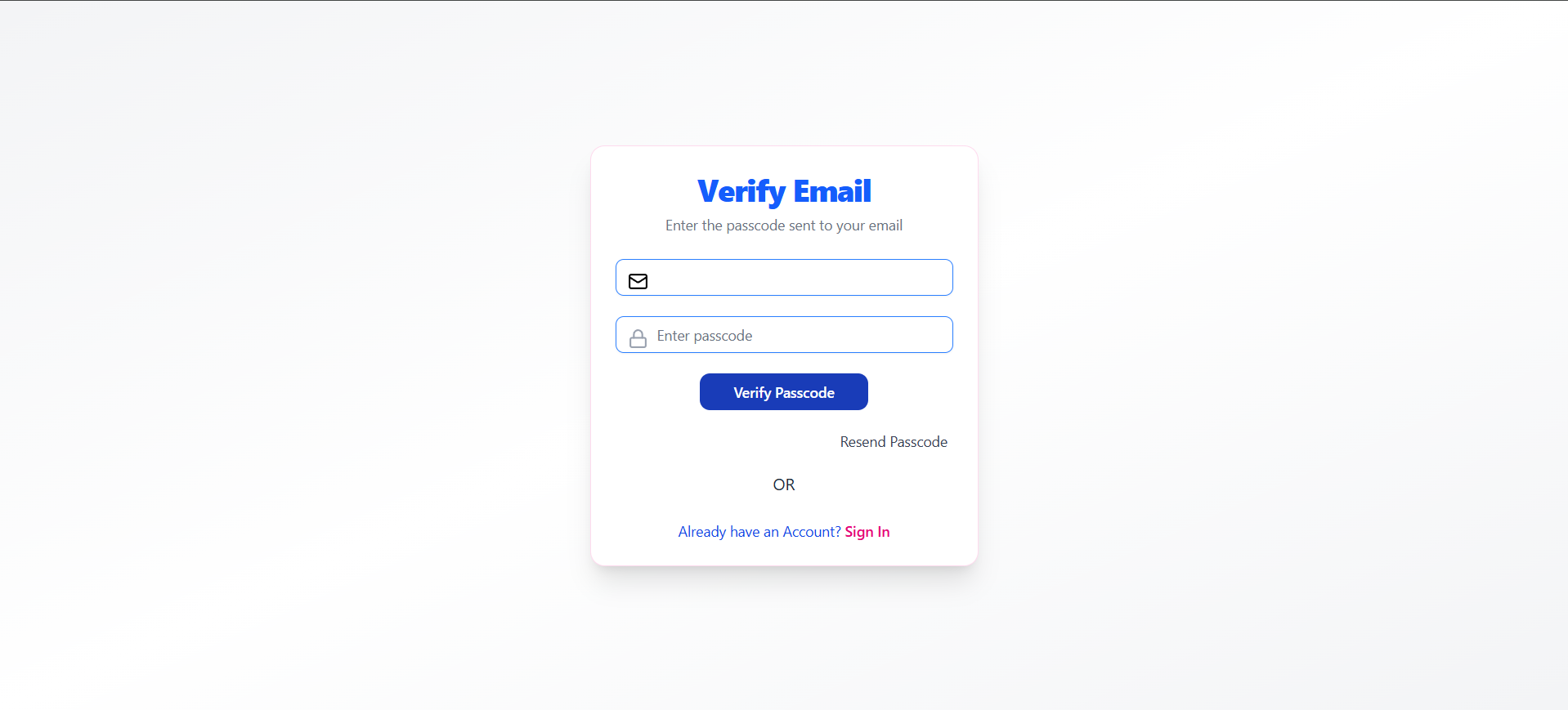
Enter the verification code received in your inbox into the verification field and click Verify Passcode.
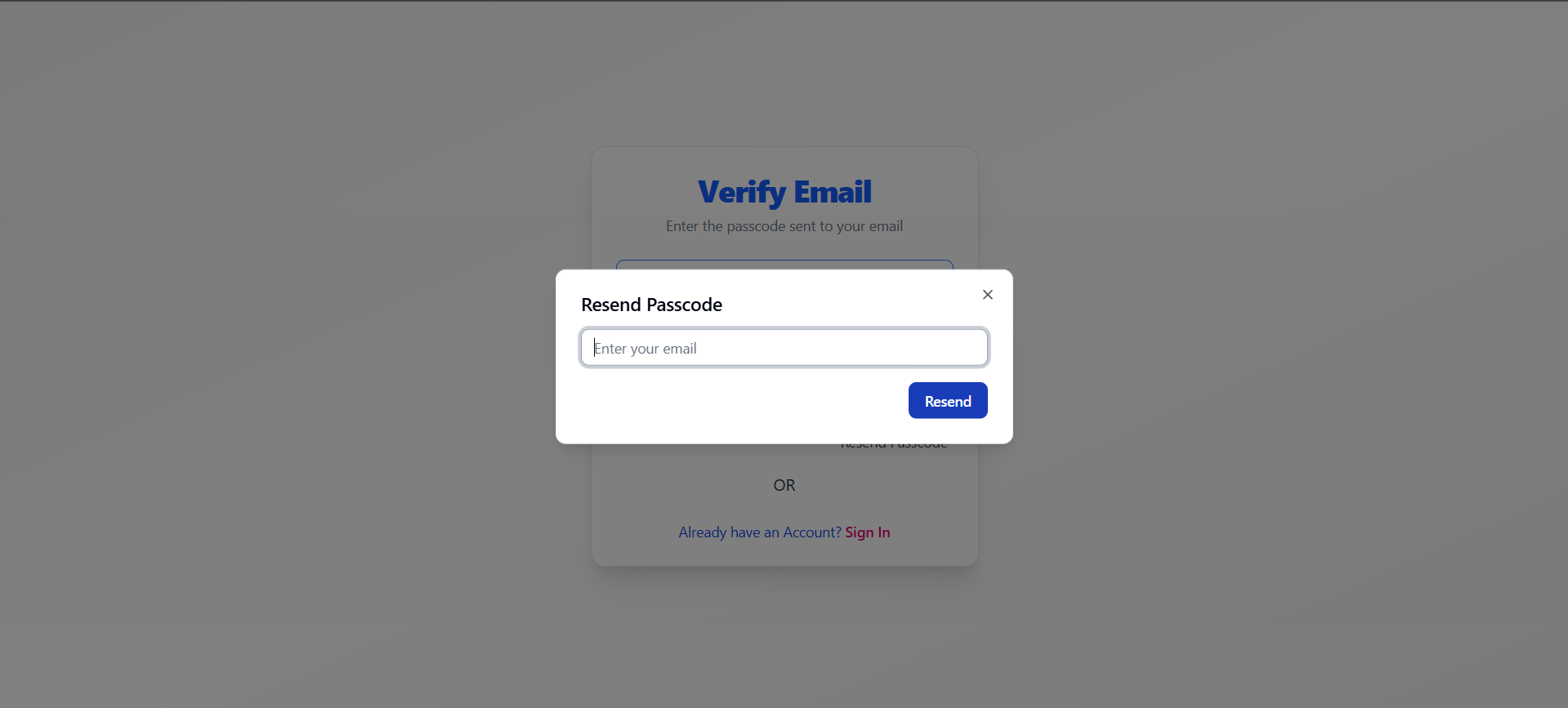
If you entered an incorrect or expired code, click Resend Passcode to generate a new verification token.
User Sign-In
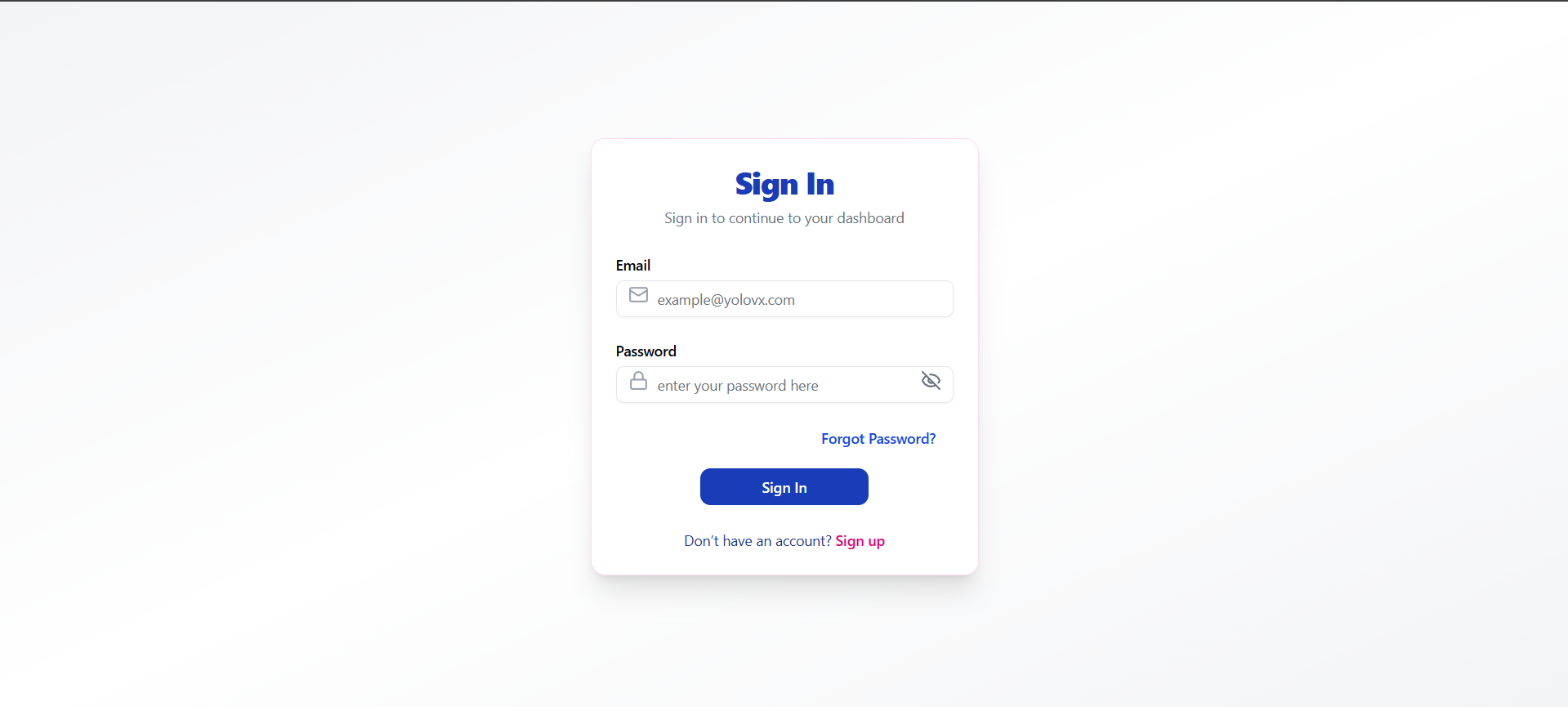
Once verified, log in using your registered credentials.
Password Recovery
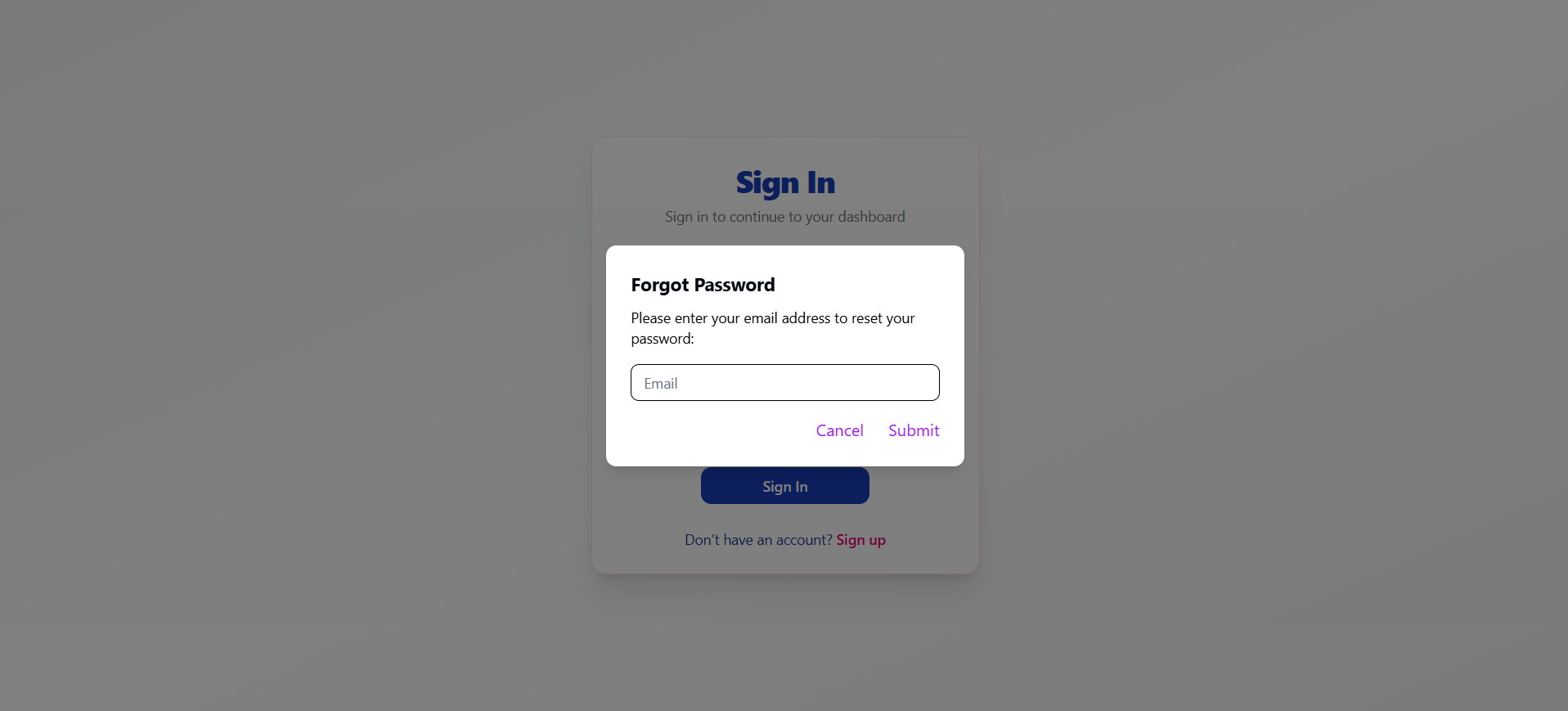
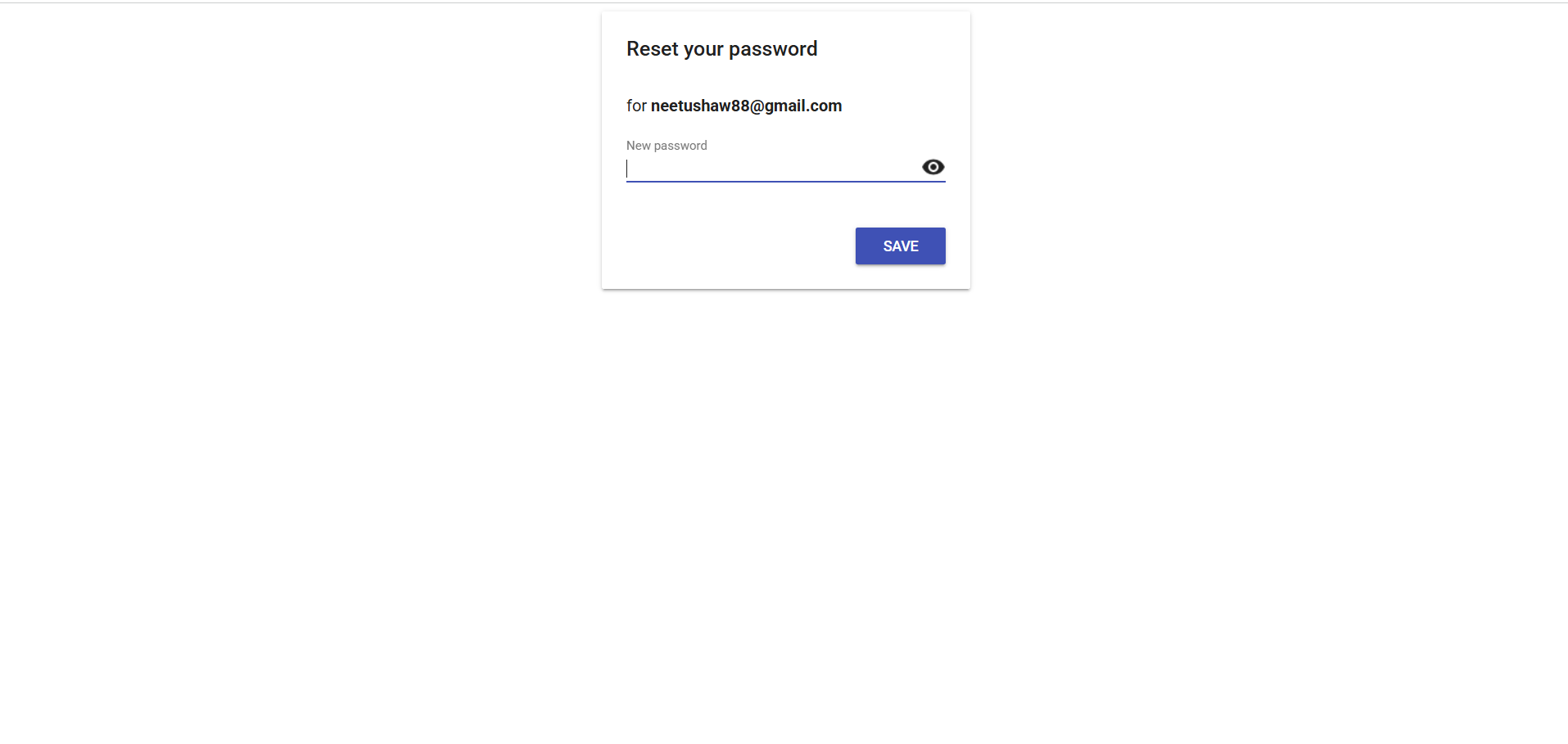
If you forget your password, select Forgot Password, submit your email, and follow the link sent to your inbox to reset your password.
Profile Setup (First Login)
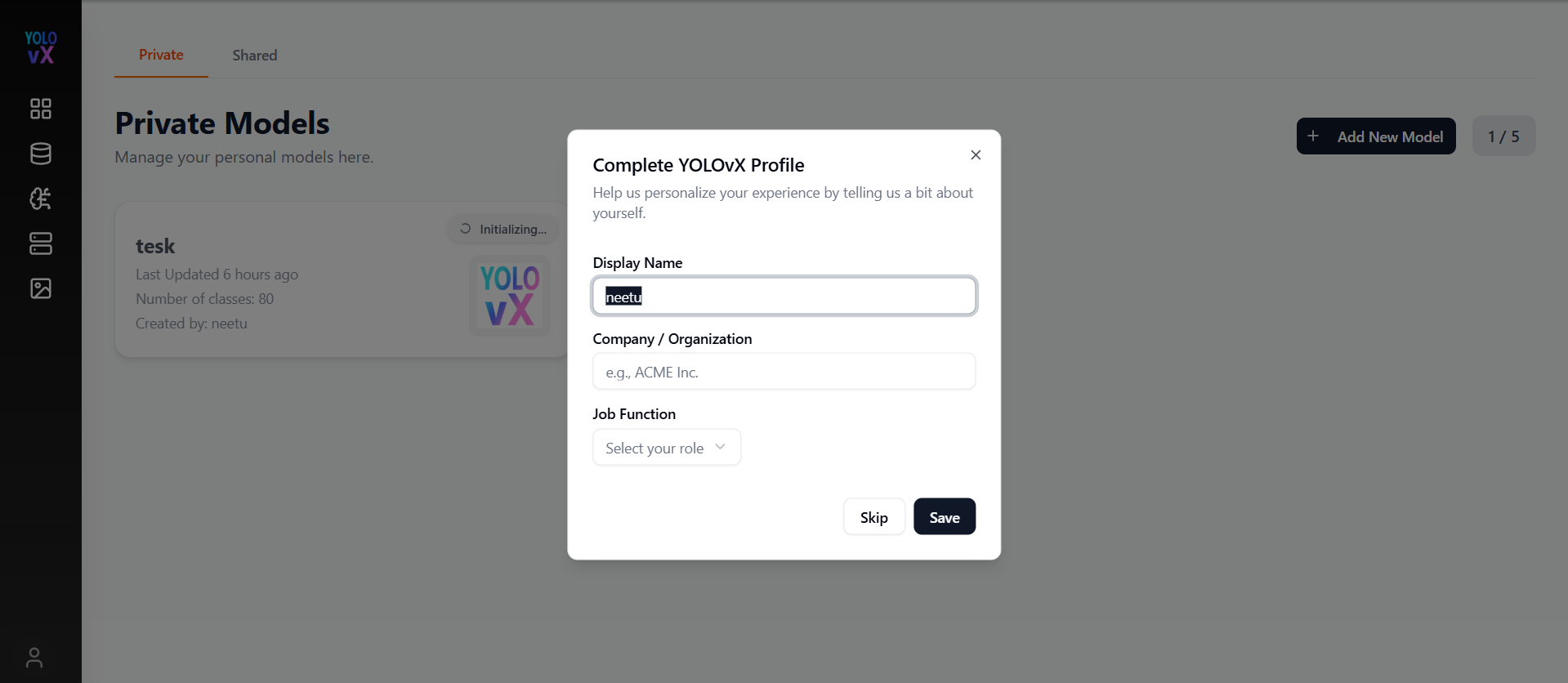
Upon first successful sign-in, complete your profile modal with your Display Name, Organization, and Job Role before proceeding to the dashboard.