Account Management
User Profile & Account Management
Clicking the User Icon in the sidebar opens the Account Management area.
Account Settings Page
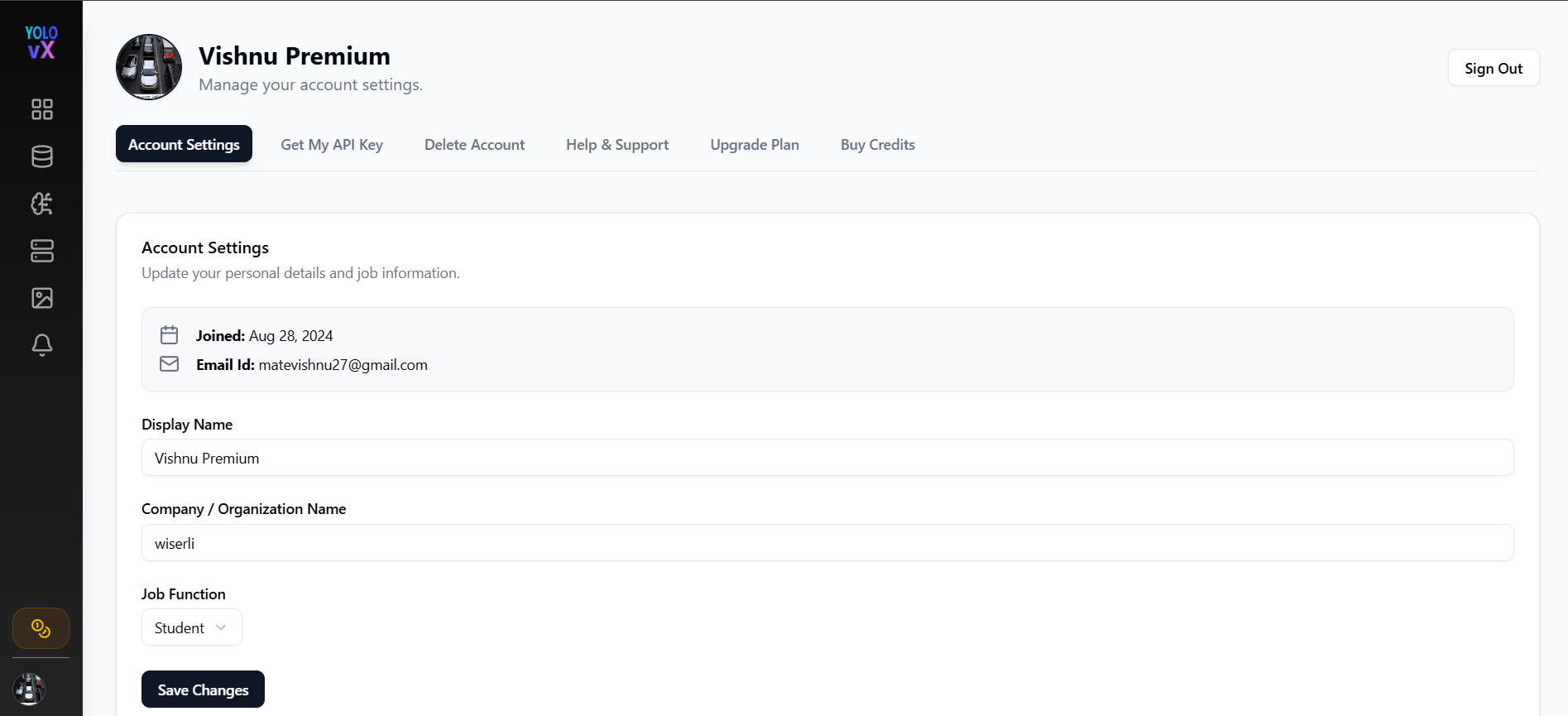
Information Displayed:
- 📅 Joined Date
- 📧 Email ID
- 🧑 Display Name
- 🏢 Company / Organization Name
- 💼 Job Function
Actions:
- Save Changes – Updates user profile information
- Sign Out – Logs the user out of the platform
Get My API Key
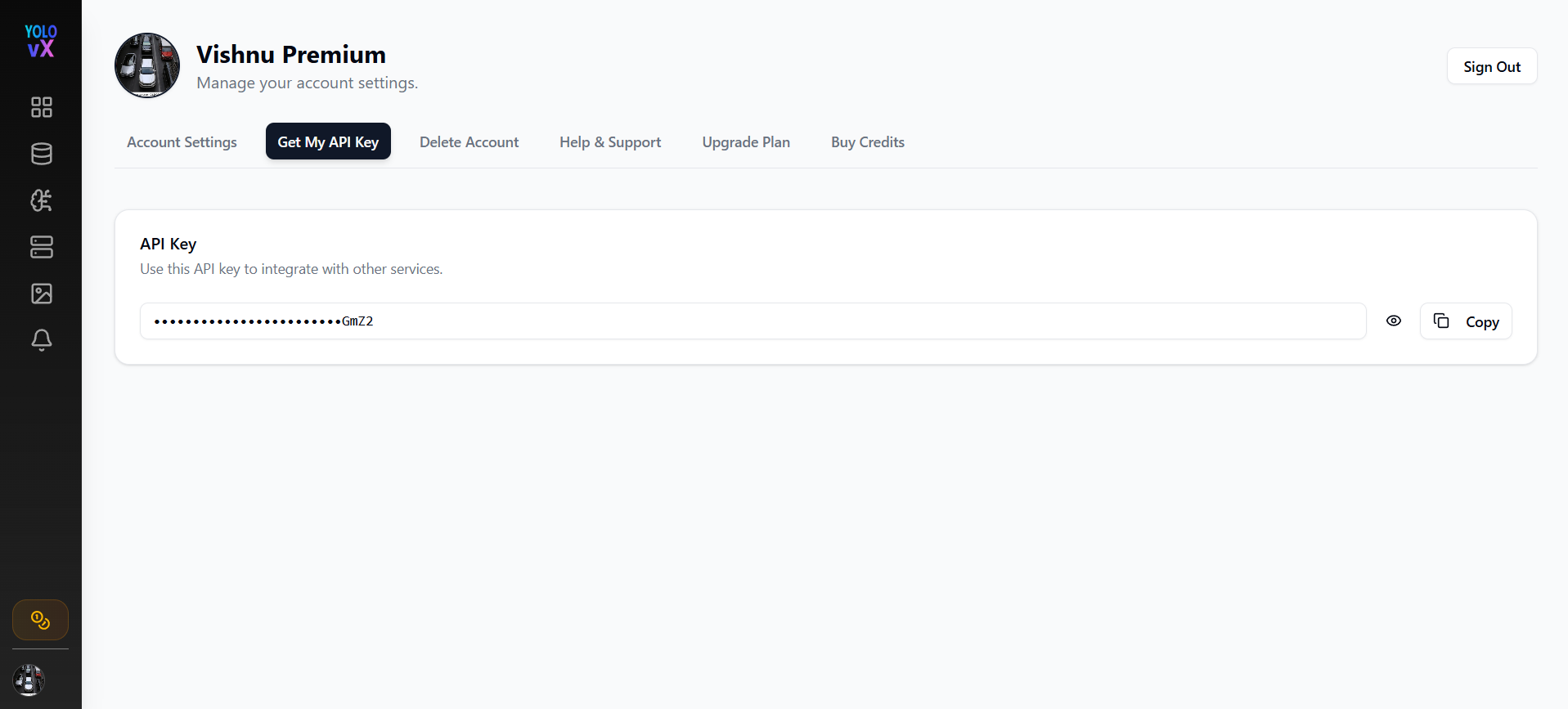
This page allows users to access their API key for integrating YOLOvX with external services.
Features:
- 🔒 Masked API Key display
- 👁️ Toggle visibility
- 📋 Copy API Key button
Delete Account
Users can permanently delete their account from the Delete Account tab.
⚠️ This action is irreversible and will remove all associated data and models.
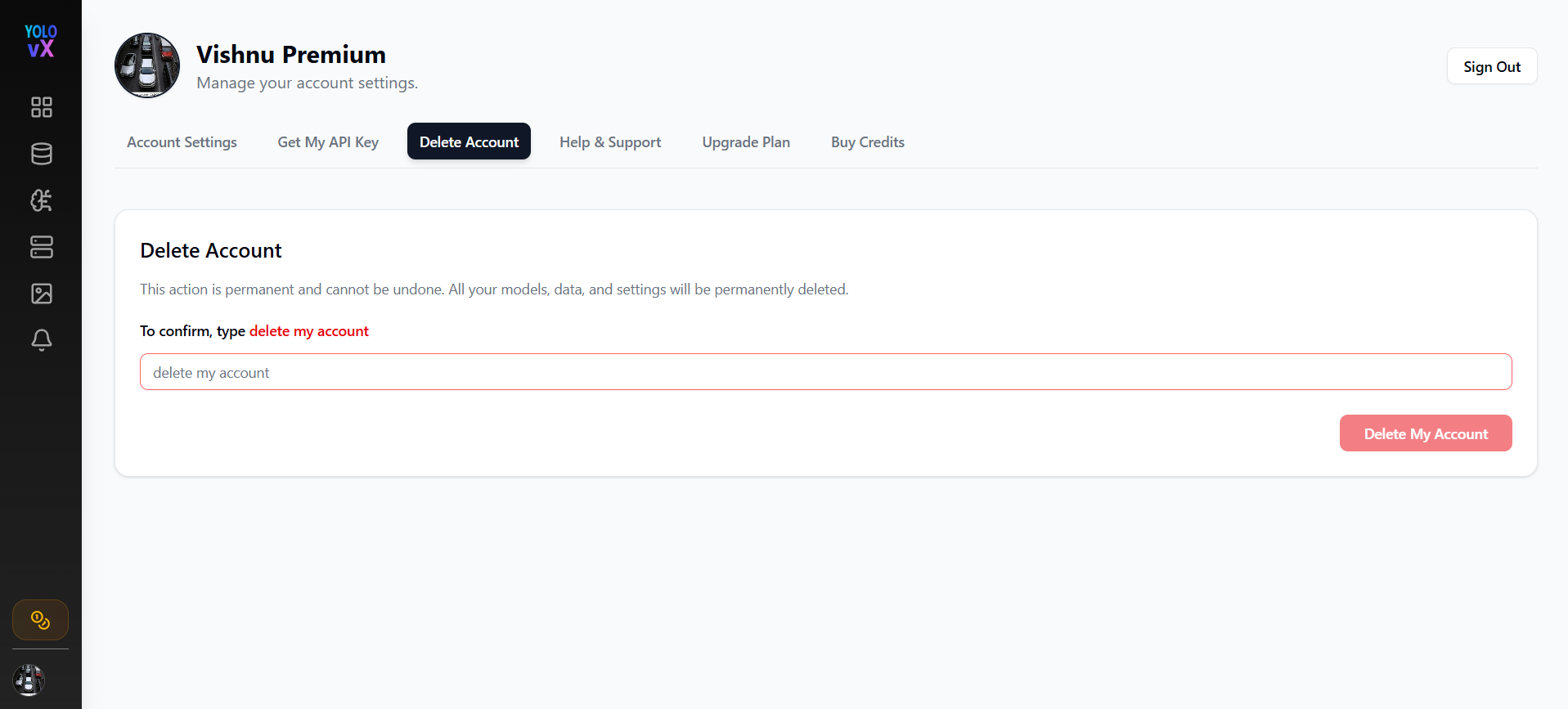
🔐 Deletion Process Flow:
- Enter Confirmation Text
The user must type:
in the input field to enable the Delete My Account button.
- Confirmation Popup Appears
Once the user clicks Delete My Account, a confirmation popup appears asking:
“Are you sure you want to delete your account?”
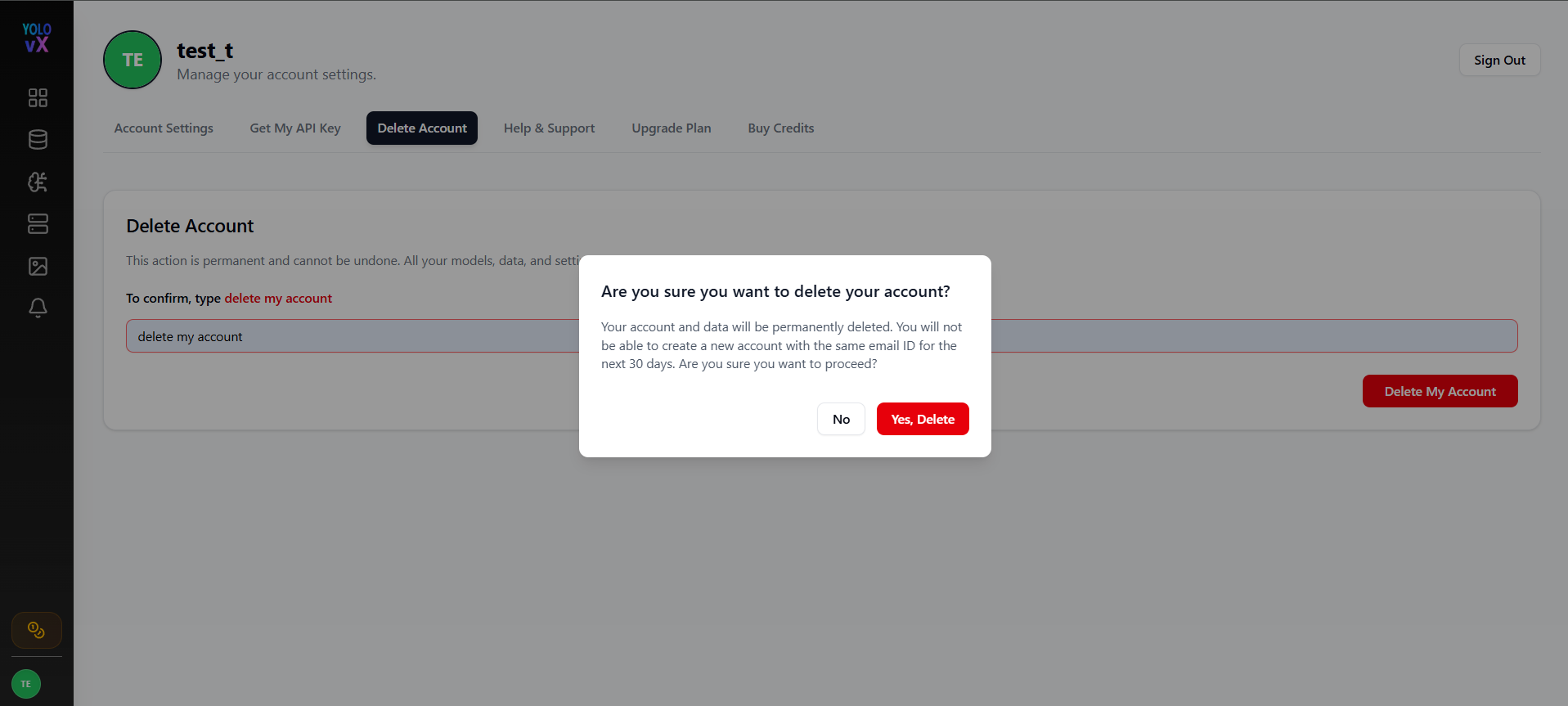
- User Confirms Deletion
When the user clicks Yes, Delete:
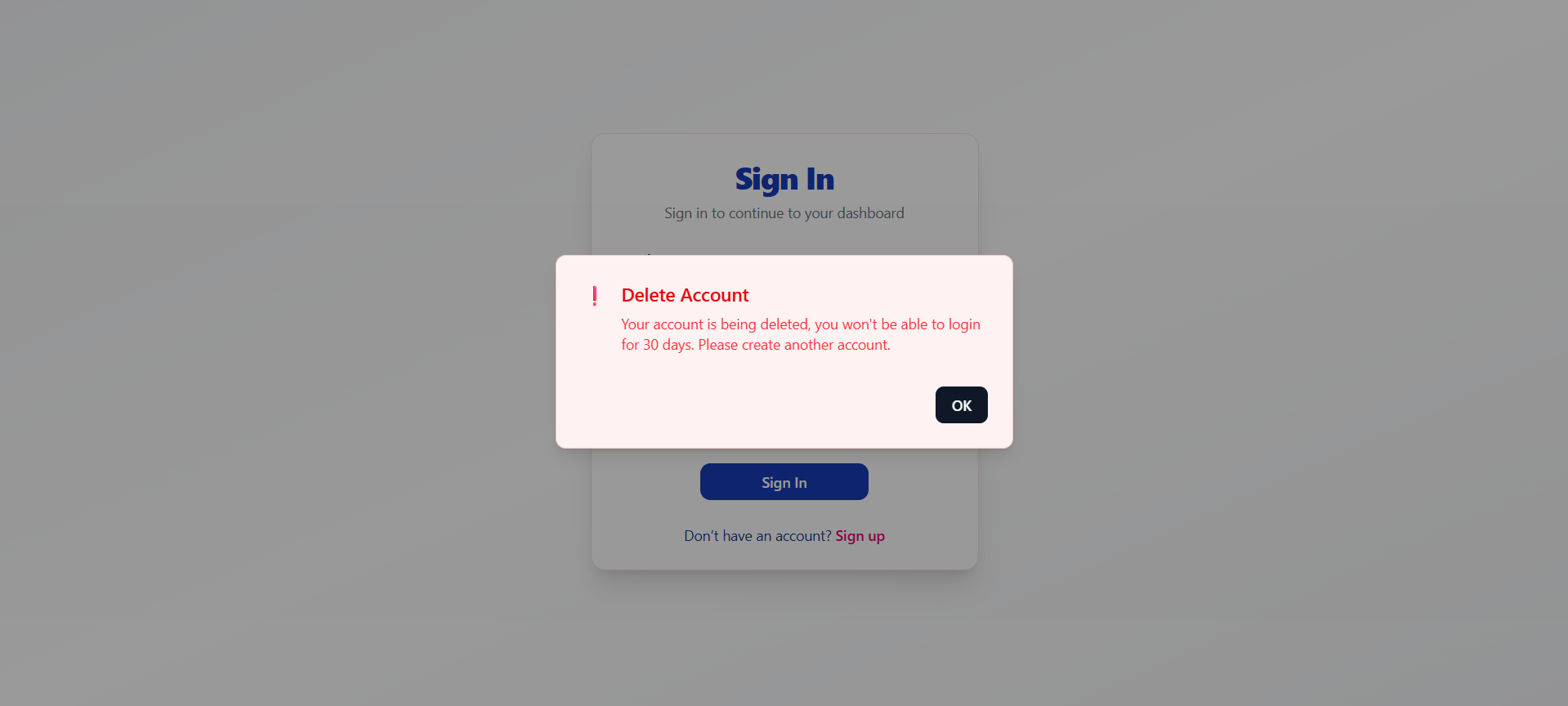
A popup box appear to show that user won't be thsi account is sent for deletion.
- The account is marked for deletion.
- The user is logged out immediately.
-
All local session and storage data is cleared.
-
Redirect to Sign-In Page with Deletion Notice
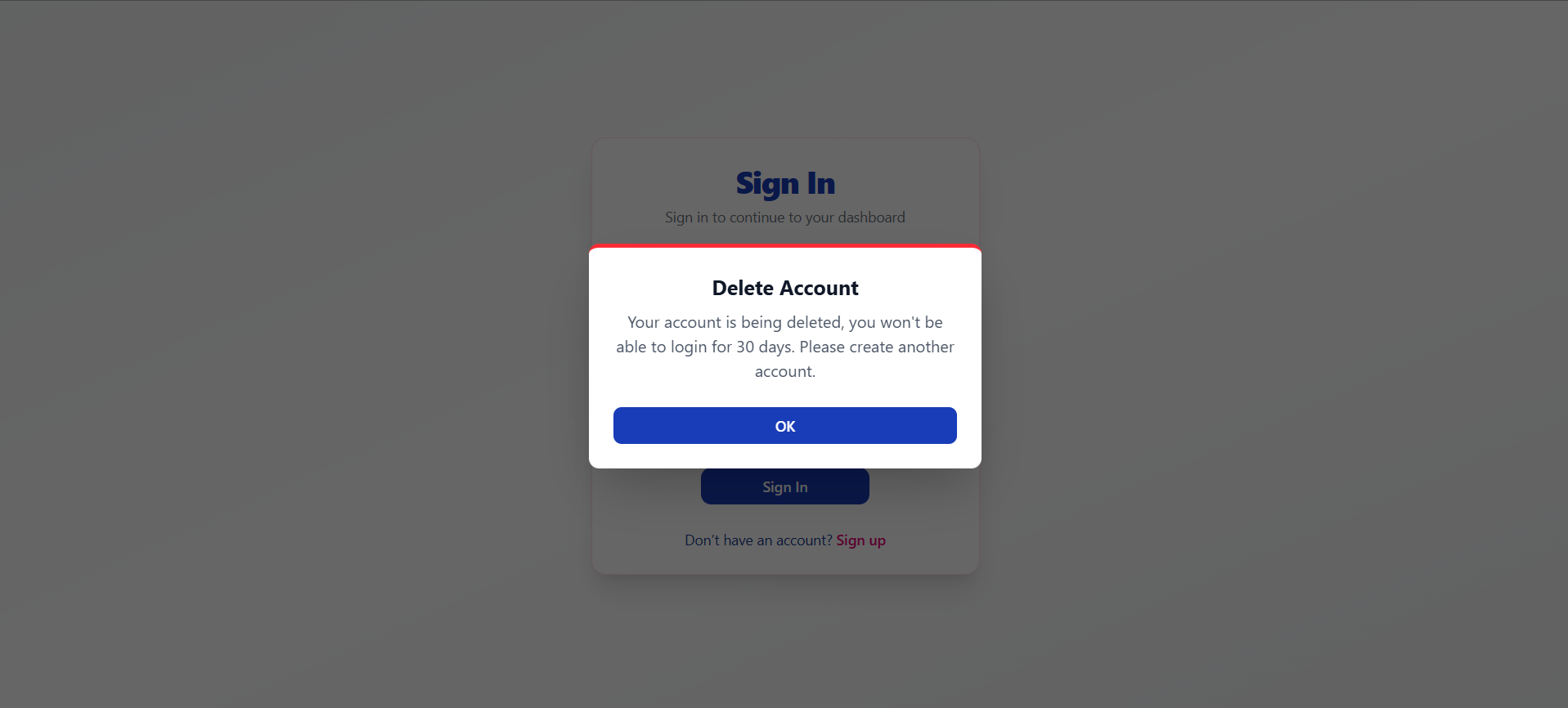
The user is redirected to the Sign In page, where a deletion status popup appears:
Delete Account
Your account is being deleted, you won't be able to login for 30 days.
Please create another account.
- Permanent Deletion Timeline
- The account enters a 30-day grace period.
- During this time, the user cannot log in using the same email.
- After 30 days, the account is permanently deleted from the system.
Help & Support
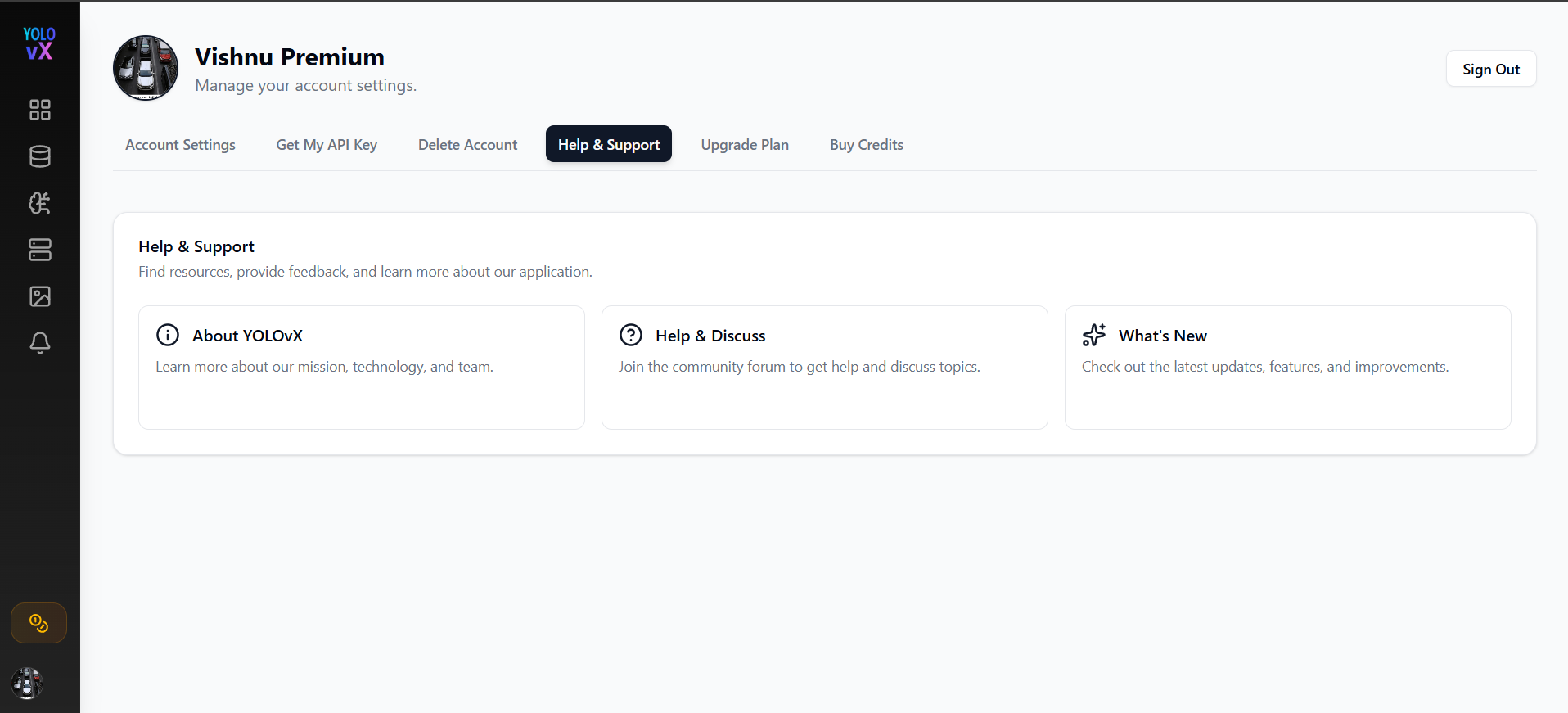
The Help & Support page provides quick access to resources, documentation, and the latest platform updates.
Available Options
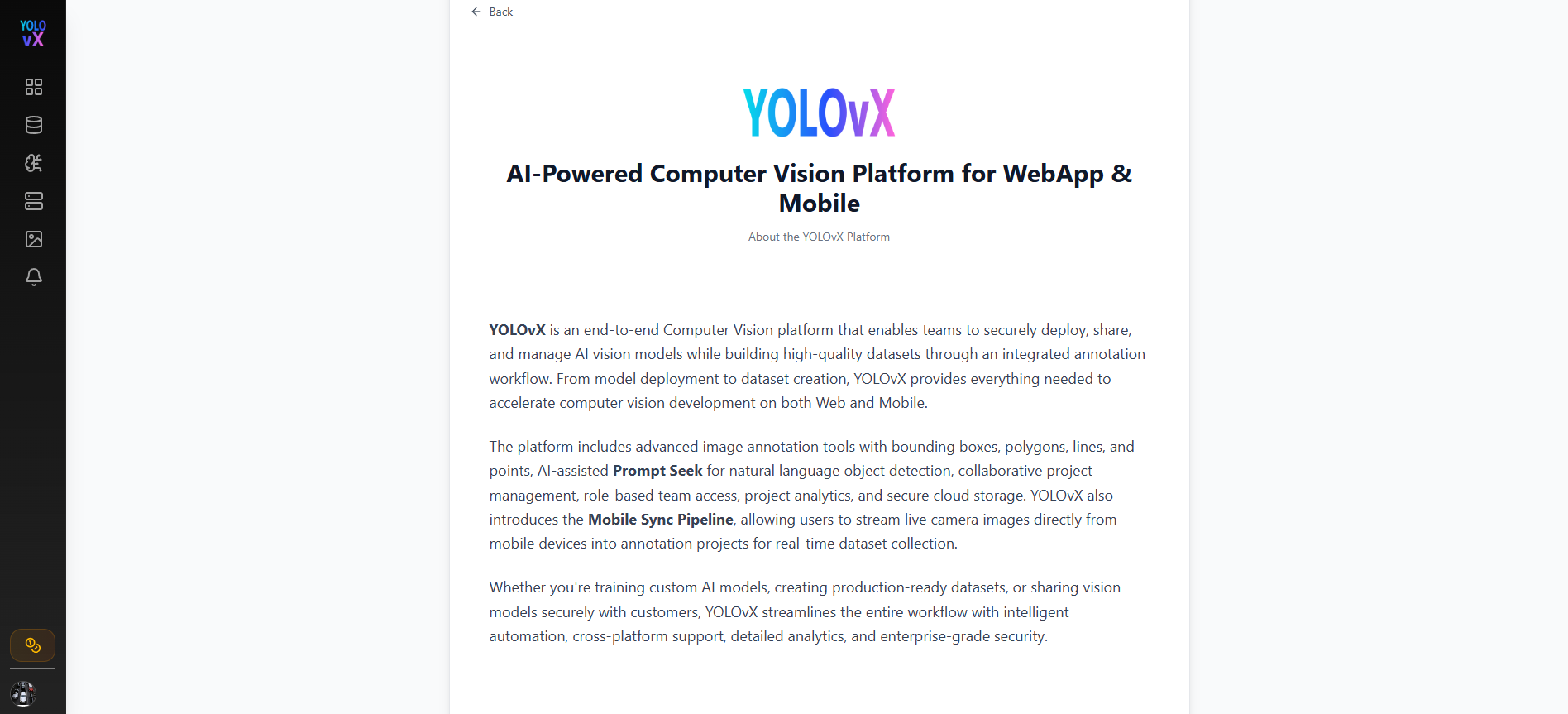
About YOLOvX
Provides information about the YOLOvX platform, including its mission, technology, and team.
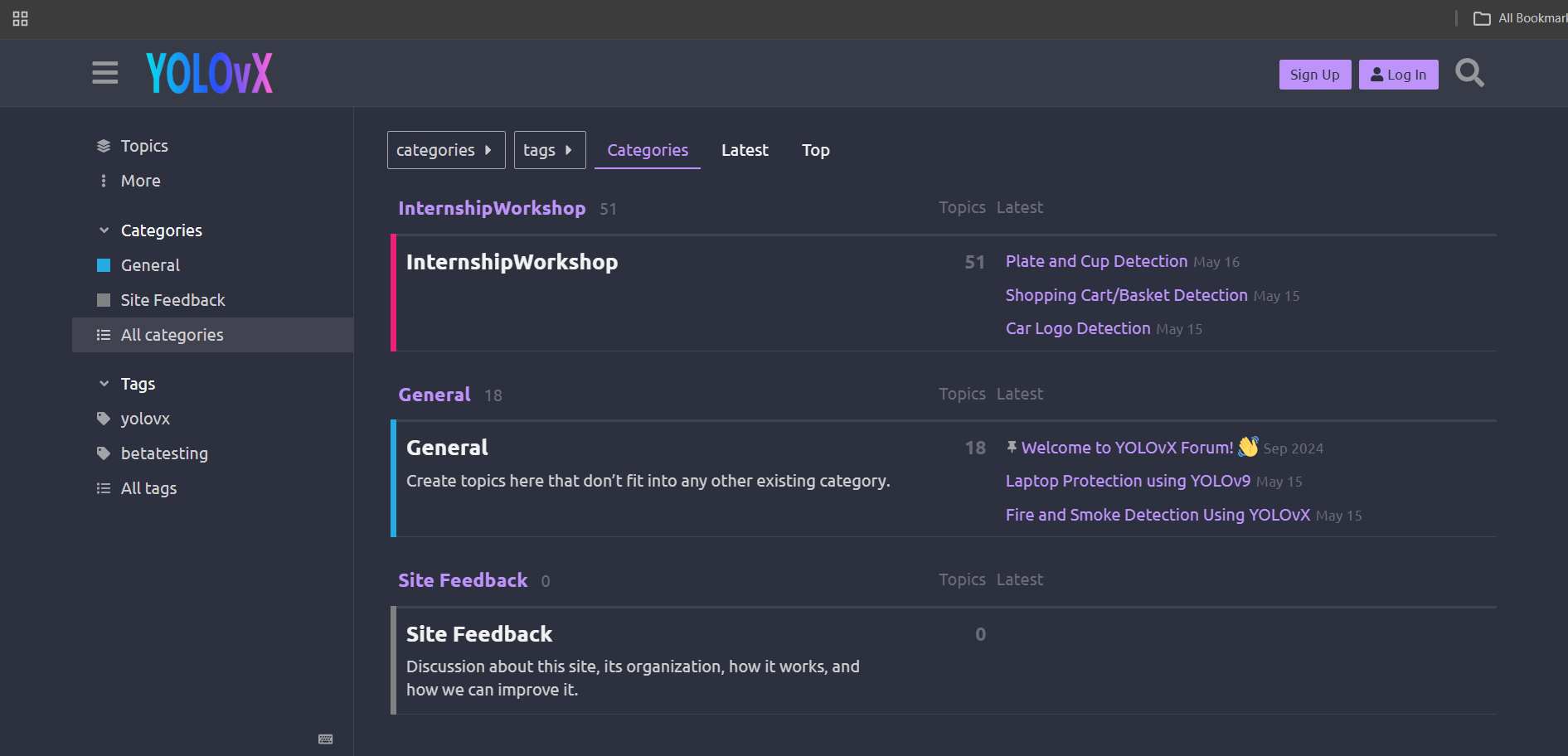
Help & Discuss
Redirects users to the community discussion forum where they can ask questions, report issues, and interact with other users.
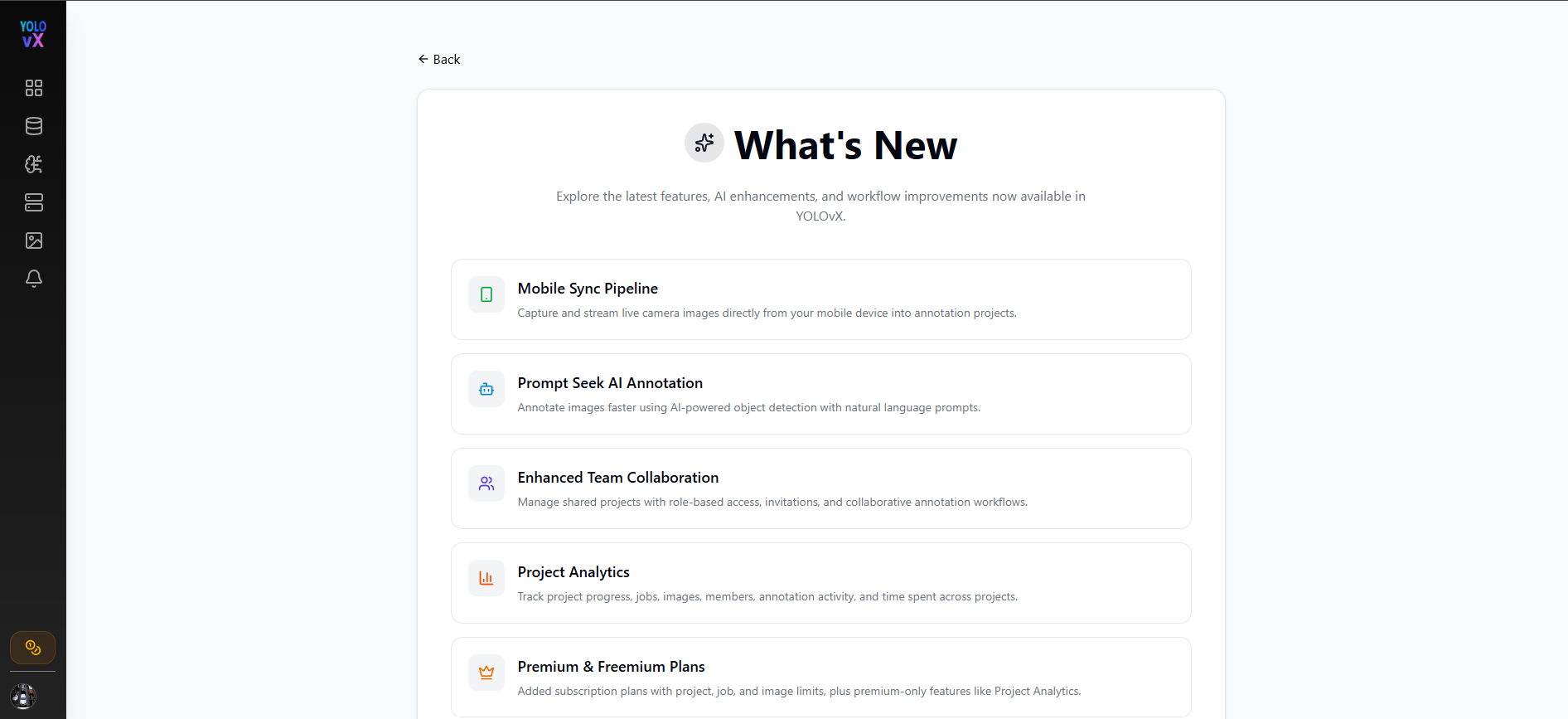
What's New
Displays the latest product updates, newly released features, improvements, and enhancements added to the platform.
Upgrade Plan
The Upgrade Plan page allows users to upgrade their subscription based on their annotation requirements.
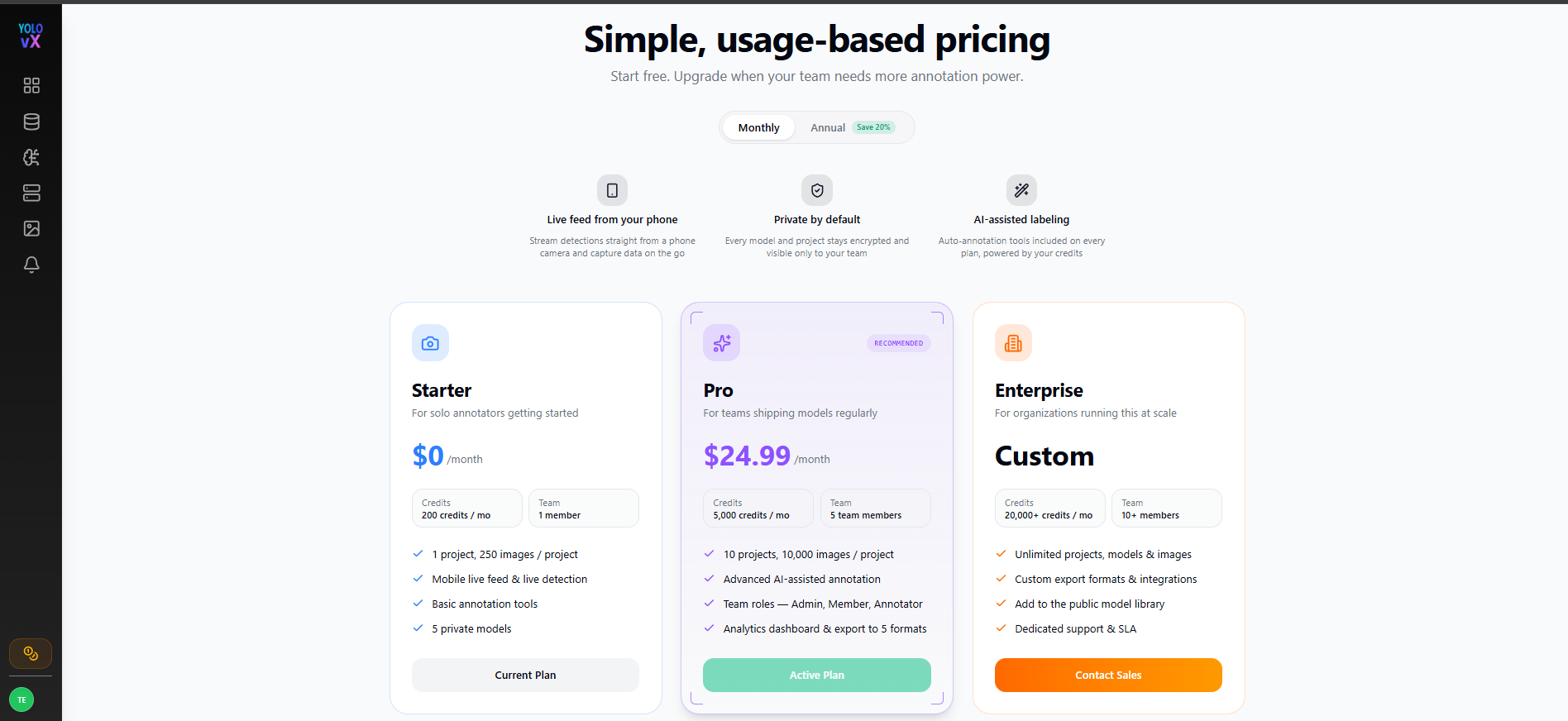
Available Plans
- Starter – Free plan for individual users with basic annotation features.
- Pro – Includes more credits, additional projects, team collaboration, analytics, and AI-assisted annotation tools.
- Enterprise – Custom plan offering unlimited resources, custom integrations, and dedicated support.
Features
- Switch between Monthly and Annual billing (20% savings on annual plans).
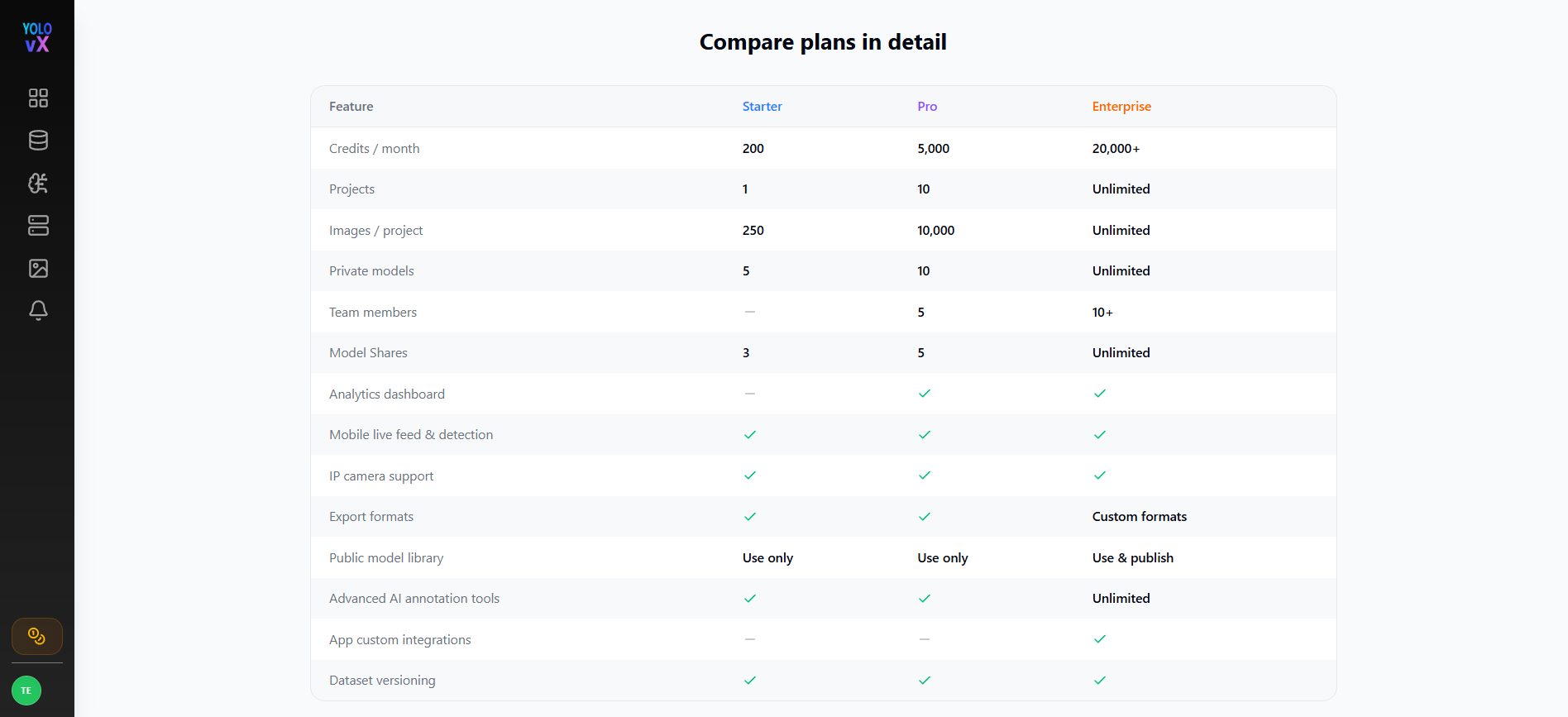
- View a detailed Plan Comparison table.
- Upgrade to a higher plan at any time.
-
- Selecting the Pro plan redirects users to Razorpay for payment.
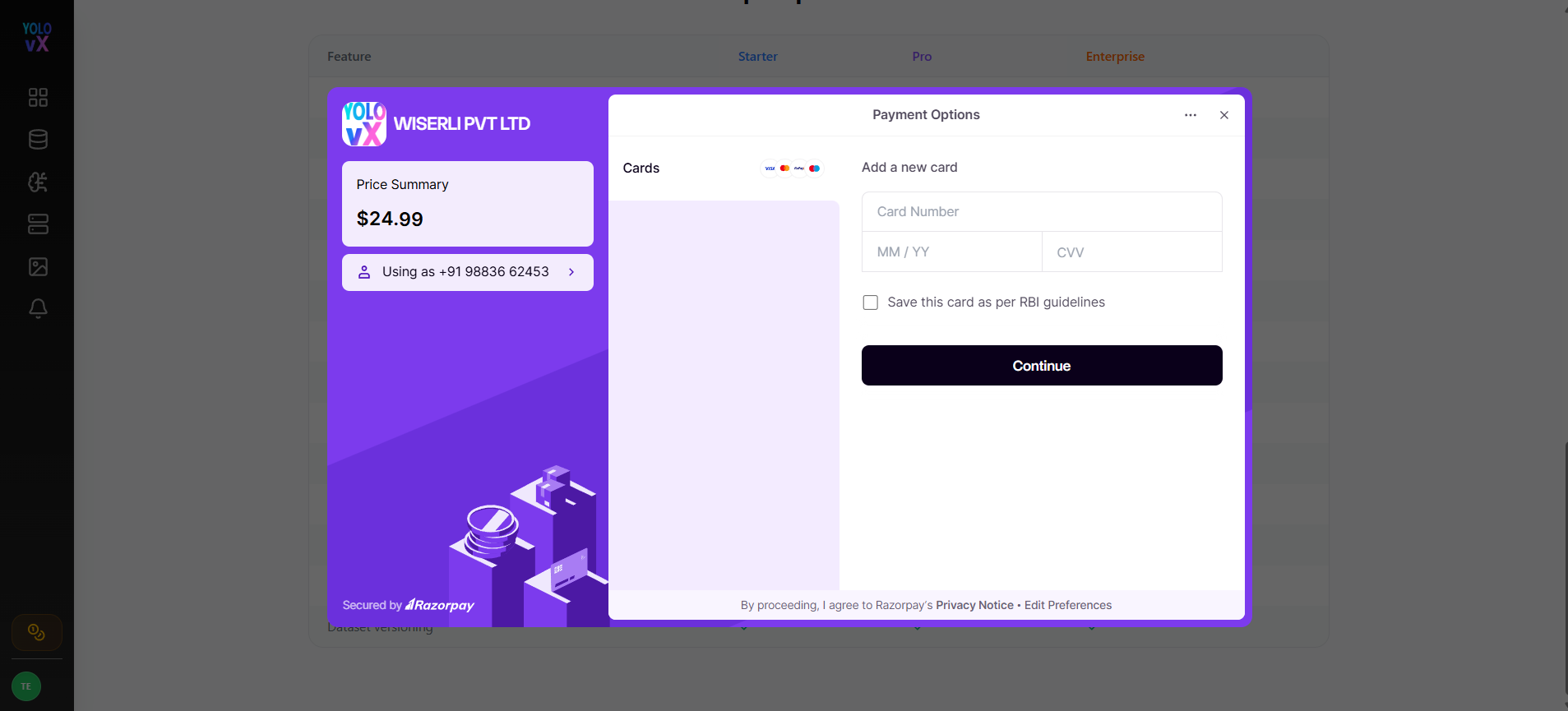
- Selecting the Pro plan redirects users to Razorpay for payment.
-
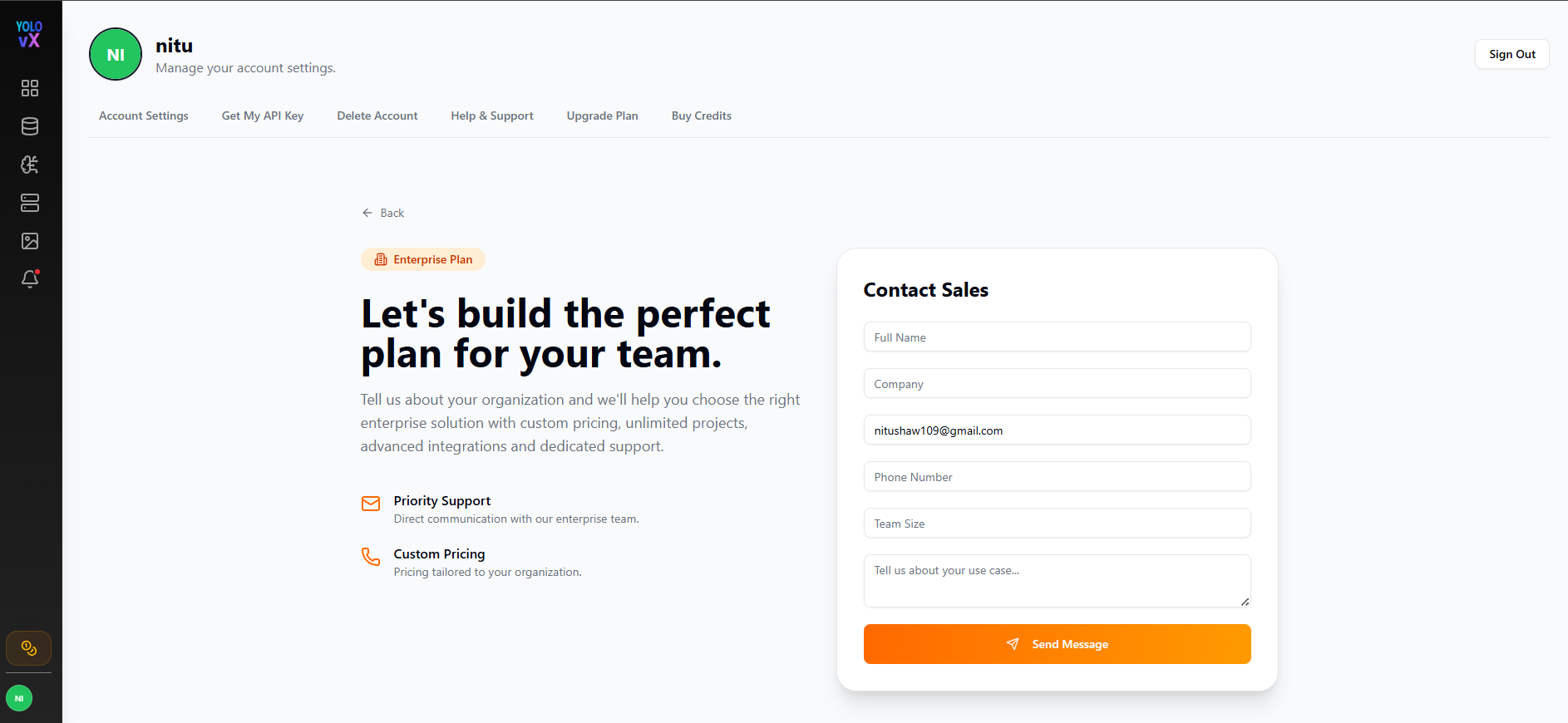
Selecting the Enterprise plan redirects users to the Contact Sales page, where they can submit an inquiry by providing their Full Name, Company, Email Address, Phone Number, Team Size, and Use Case. Once the form is completed, clicking Send Message submits the request to the sales team.
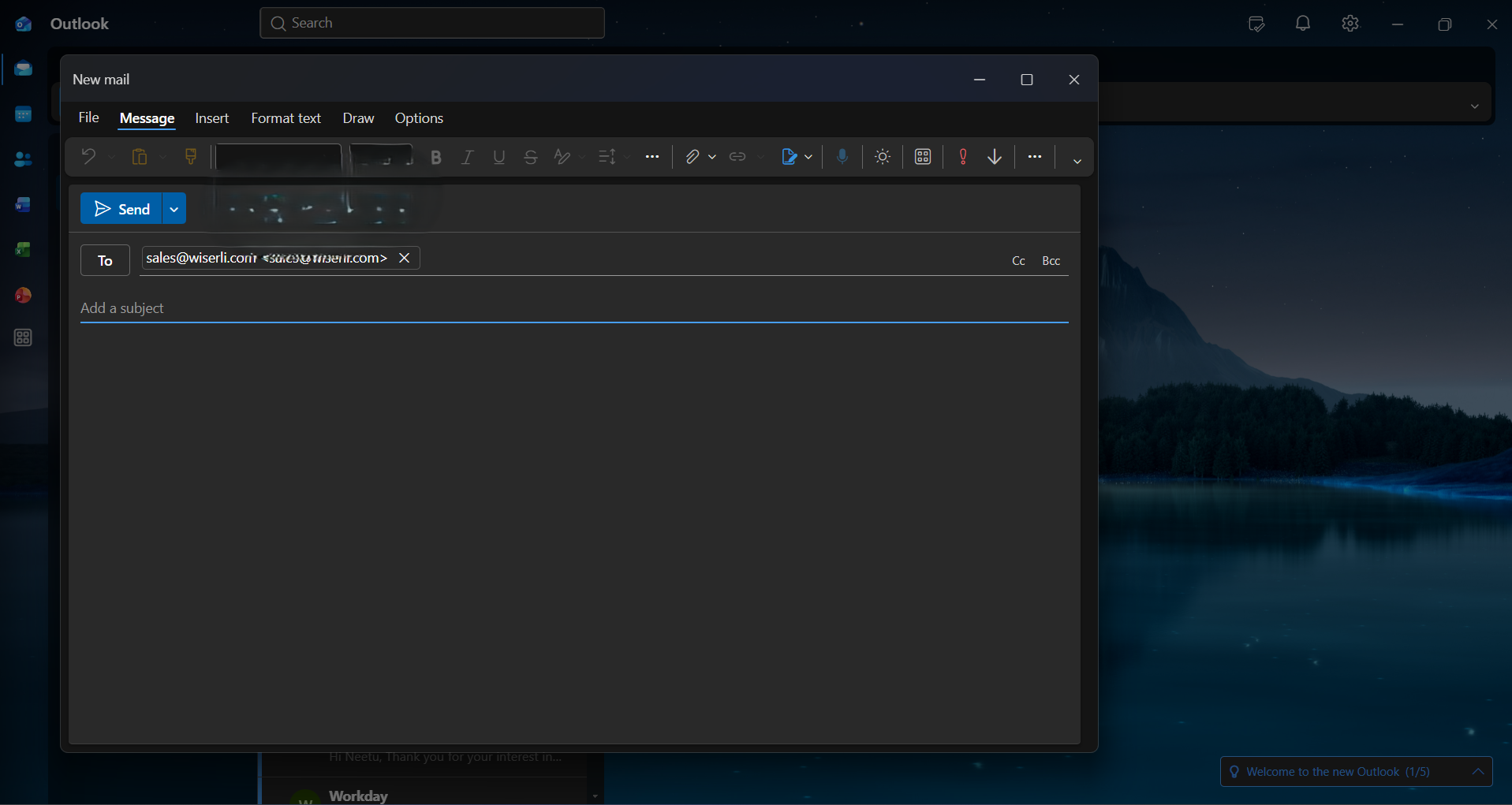
- Clicking the Email icon on the Contact Sales page automatically opens the user's default Microsoft Outlook email composer (or the default mail client) with the sales@wiserli.com email address pre-filled, allowing users to quickly contact the sales team directly.

Buy Credits
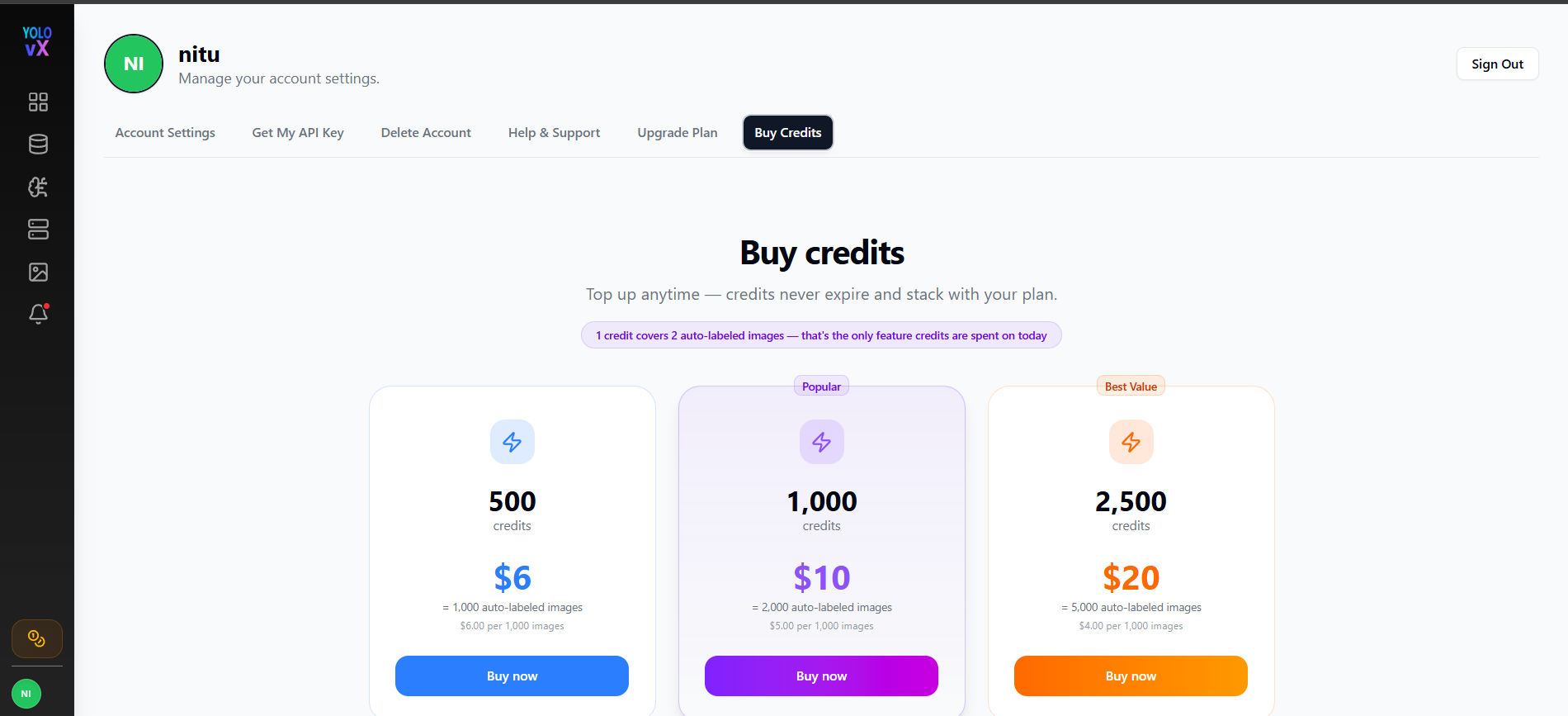
The Buy Credits page allows users to purchase additional credits for AI-powered annotation features.
Available Credit Packs
- 500 Credits – $6
- 1,000 Credits – $10 (Popular)
- 2,500 Credits – $20 (Best Value)
Features
- Credits can be purchased anytime.
- Purchased credits are added instantly to the account.
- Credits never expire and stack with the user's existing plan credits.